In today’s fast-paced digital world, visual content is more important than ever. Whether you’re building a blog, launching a marketing campaign, or creating social media posts, powerful images are crucial for capturing attention and effectively conveying your message. However, traditional design methods often require expensive tools, professional skills, or hours of hard work. That’s where AI picture generator Prompt come in — and more importantly, where the right prompt becomes your superpower.
With just a few carefully chosen words, you can transform a blank canvas into a cinematic landscape, a realistic portrait, or even an abstract masterpiece. But here’s the catch: the quality of your output depends entirely on the quality of your AI picture generator prompt. In this post, we’ll explore how prompts work, share proven examples, and reveal practical tips to help you consistently generate stunning AI images.
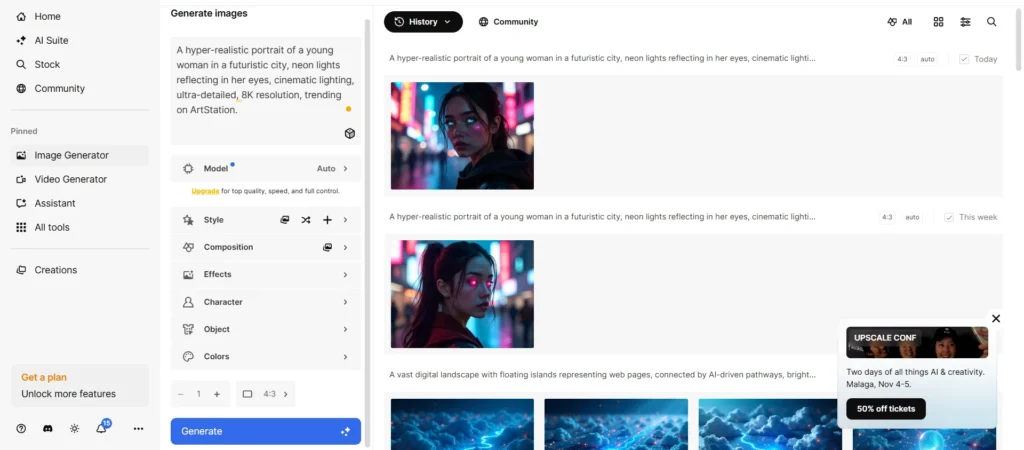
Prompt Snapshot (Quick Overview)
| Feature | Details | |
| Prompt Name | AI Picture Generator Prompt – Cinematic Example | |
| Best For | Designers, marketers, bloggers, social media creators | |
| Works With | MidJourney, DALL·E 3, Stable Diffusion, pixlr, freepik, deepai, Canva, Firefly Image, Piclumen | |
| Prompt Type | Text-to-image generation | |
| Use Case |
|
Copyable Prompt Block
Here’s a ready-to-use prompt:
Copy and paste this into your favorite AI image tool, and within seconds, you’ll have a visually striking image ready to use.
You can also experiment with different prompt variations like:
- Landscape Style: “A magical forest illuminated by bioluminescent plants at night, ultra-detailed, fantasy style, 8K resolution.”
- Product Style: “A sleek smartphone on a marble table with soft studio lighting, realistic shadows, minimalist composition.”
- Art Style: “A surreal dreamscape with floating islands and waterfalls in a pastel color palette, digital painting style.
How the picture generator prompt Works
- Subject: Defines what the AI should focus on. For instance, “cyberpunk detective” gives the model a clear idea of the main element.
- Environment: Sets the scene. Phrases like “neon lights” or “rainy city street” create a vivid setting.
- Detail Level: Descriptors such as “ultra-detailed” and “8K resolution” instruct the AI on quality and clarity.
- Mood & Lighting: Words like “dramatic lighting” or “soft reflections” influence the tone and feel of the image.
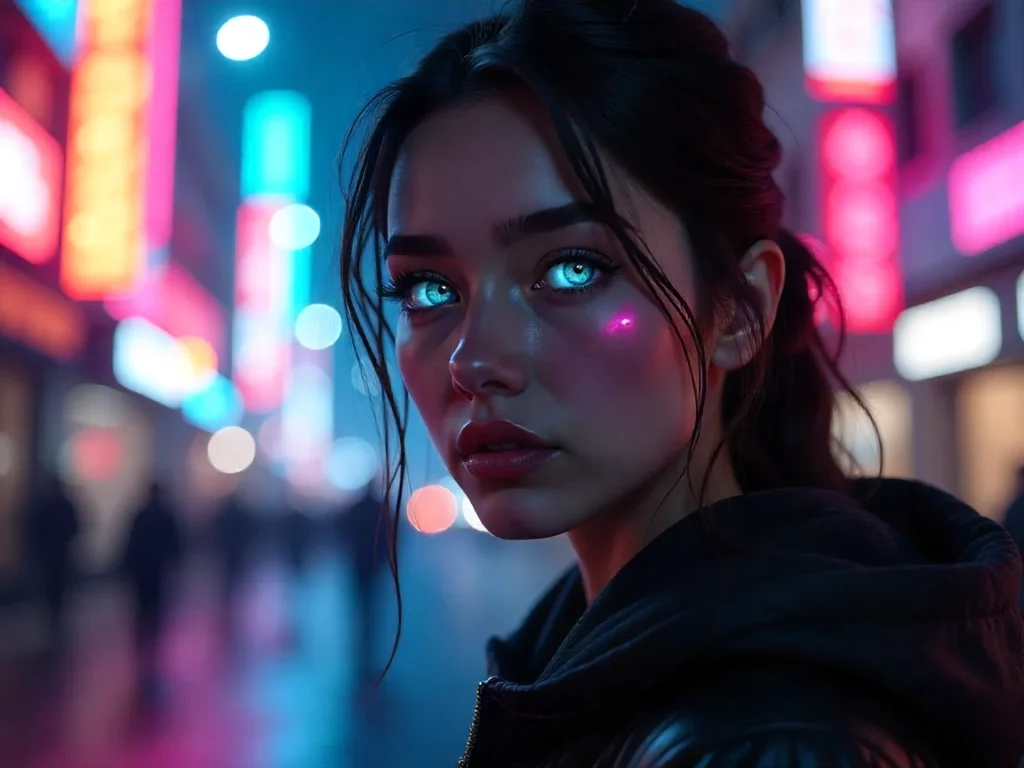
Real Example Output
Because AI picture generator prompts are so versatile, they’re useful across many industries and creative fields:
- A lone figure in a futuristic rain-soaked alley, illuminated by glowing neon signs.
- Rich details in clothing textures, lighting effects, and atmospheric depth.
- A cinematic composition suitable for use in blogs, marketing materials, or digital art projects.
Notably, even minor changes — such as replacing “cyberpunk” with “steampunk” — will completely alter the scene’s visual tone and aesthetic.
Practical Use Cases
- Blogging: Generate unique header images that enhance your articles.
- Marketing: Design custom visuals for campaigns without hiring designers
- Social Media: Create shareable graphics that boost engagement.
- Branding: Produce product visuals or mockups that align with your brand’s aesthetic.
- Art & Illustration: Explore creative ideas and experiment with new visual styles.
Tips to Customize or Improve the picture generator prompt
While using pre-built prompts is a great start, customizing them will often yield even better results. Here’s how:
- Add More Details: Instead of “cat,” try “a fluffy white Persian cat sleeping by a sunlit window.”
- Play with Mood Words: Try “mysterious,” “dreamy,” or “whimsical” to shift the image’s emotional tone.
- Include Artistic Styles: Words like “digital painting,” “oil painting,” or “low-poly 3D render” dramatically change the final output.
- Use Camera Language: Terms such as “close-up,” “wide-angle,” or “bokeh background” create different perspectives.
- Leverage Negative Prompts: Add instructions like “no text,” “no blur,” or “no distortion” to refine quality.
- Iterate and Refine: Generate multiple variations and tweak your prompt after each result to get closer to your vision.
Additionally, keeping a record of your most effective prompts can help you build a personal library for future projects.
Best Practices of picture generator prompt
- Start simple, then add complexity gradually.
- Focus on clarity and descriptive language.
- Be intentional with style and mood modifiers.
- Avoid overloading prompts with too many ideas at once.
- Review and tweak your results for continuous improvement.
By applying these strategies, you’ll transform simple words into creative masterpieces more reliably over time.
Related Prompts or Content
- [Prompt: Act as my personal assistant]
- [Prompt: Act as an AI art prompt generator.]
- [Prompt: ChatGPT Sites]
- [Prompt: Act as an expert in [your topic]]
- [Prompt: Act as an AI art prompt generator.]
- [Prompt: Act as an expert Midjourney prompt engineer. ]